TouchDesigner: introduction
Started using TouchDesigner today. After installing TouchDesigner, I watched some tutorials from The 100 Series: TouchDesigner Fundamentals (https://learn.derivative.ca/courses/100-fundamentals/lessons/101-navigating-the-environment/) and took some notes, joined the tutorials and saw if I came out the same.
I didn’t do everything.
- 101: did I completely
- 104: seemed interesting as I want to work with 3d fractals
- 108: looked at optimisation & what do to with crashes
Instead of continuing to follow these basic tutorials, I decided to recreate a video (https://www.youtube.com/watch?v=LuLpaUpCaek) I had saved to get a bit used to TouchDesigner. Explains it well and discusses the different things.
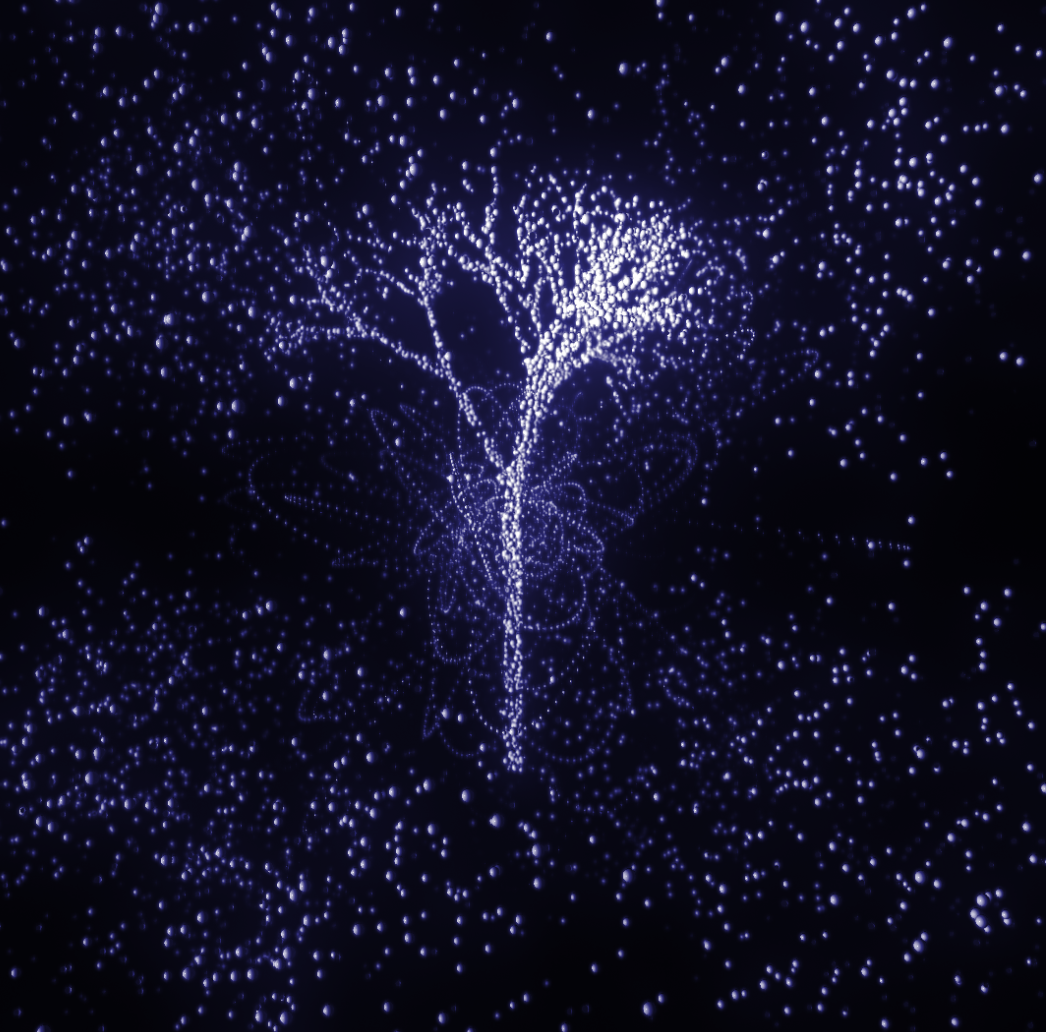
I found it interesting to see how using an L-system (mini piece of Python) & animating noise particles (also with Python, nothing else from Python, but clicking buttons, connecting wires…) to get a 360-degree rotating tree.
At the moment, I still can’t follow why you now need this particular operator to do something.
Below you can see my result. I just followed the steps and didn’t experiment too much yet, because want to understand the basics.
Researching Rhombus fractal in 3d
I didn’t feel like continuing to learn TouchDesigner for a while and decided to think further about how to start making my Rhombus fractal in 3d.
Yesterday, I looked up how to start printing a 3d fractal. A 3d printer usually uses a .stl file, so we need to look up how to convert code to .stl.
Of these, I found several sources on 3d point cloud that you need to create and then convert this as a mesh and export it as .stl.
Sources:
- Florent Poux
- Created a tutorial how to create 3D meshes from point clouds in Python in different formats:
- Made also a 3d Python setup for beginners: https://learngeodata.eu/3d-python-environment-setup-7-steps-guide-for-beginners/
- All necessary tools, software… for 3d point cloud processing: https://www.youtube.com/watch?v=T4959ovXkUg
- long article with different approaches of 3d modeling in Python: https://medium.com/@alexeyyurasov/3d-modeling-with-python-c21296756db2
- 3D visualisation of STL files with Python: https://www.youtube.com/watch?v=llq9-oJXepQ
I devised a workflow from this:
- create the Rhombus Sierpinski fractal as a 3d point cloud in Python
- create 3d mesh (export as .stl)
- see it in 3d
- 3d print fractal
But first of all, I need to understand how to start creating the 2d fractal in 3d. The Sierpinski Rhombus fractal is very similar to the merger sponge, so I was looking for tutorials on how to make the merger sponge with code.
I won’t do this in Processing because:
- Doesn’t have a 3d primitive like polyhedron (only box() and sphere()).
- I would still like to be able to 3d print by code.
- I need to be able to export my 3d fractal to .stl, but hadn’t seen any examples of this whether this would be possible with Processing, well with Python.
- Today I also came across Blender’s Python API. So instead of designing, I can also code in this Python API 🤔 that is in Blender. This might make the process easier…
Conclusion: I will continue with Python. (Also mentioned in sources was C++, which is faster than Python, for exporting a .stl file after naming a 3d point cloud).
I installed Python & pip (package installer for Python) and looked at code how a 3d cube is drawn.